Templates
Jule ships with a library of pre-built templates organised by goal. Each template comes wired with element defaults and Iterable field names so you can publish without starting from scratch.
Choosing a template
Click Create New Project, name the project, then select a category on the left of the template picker and choose a template. Click Next to open it in the editor.
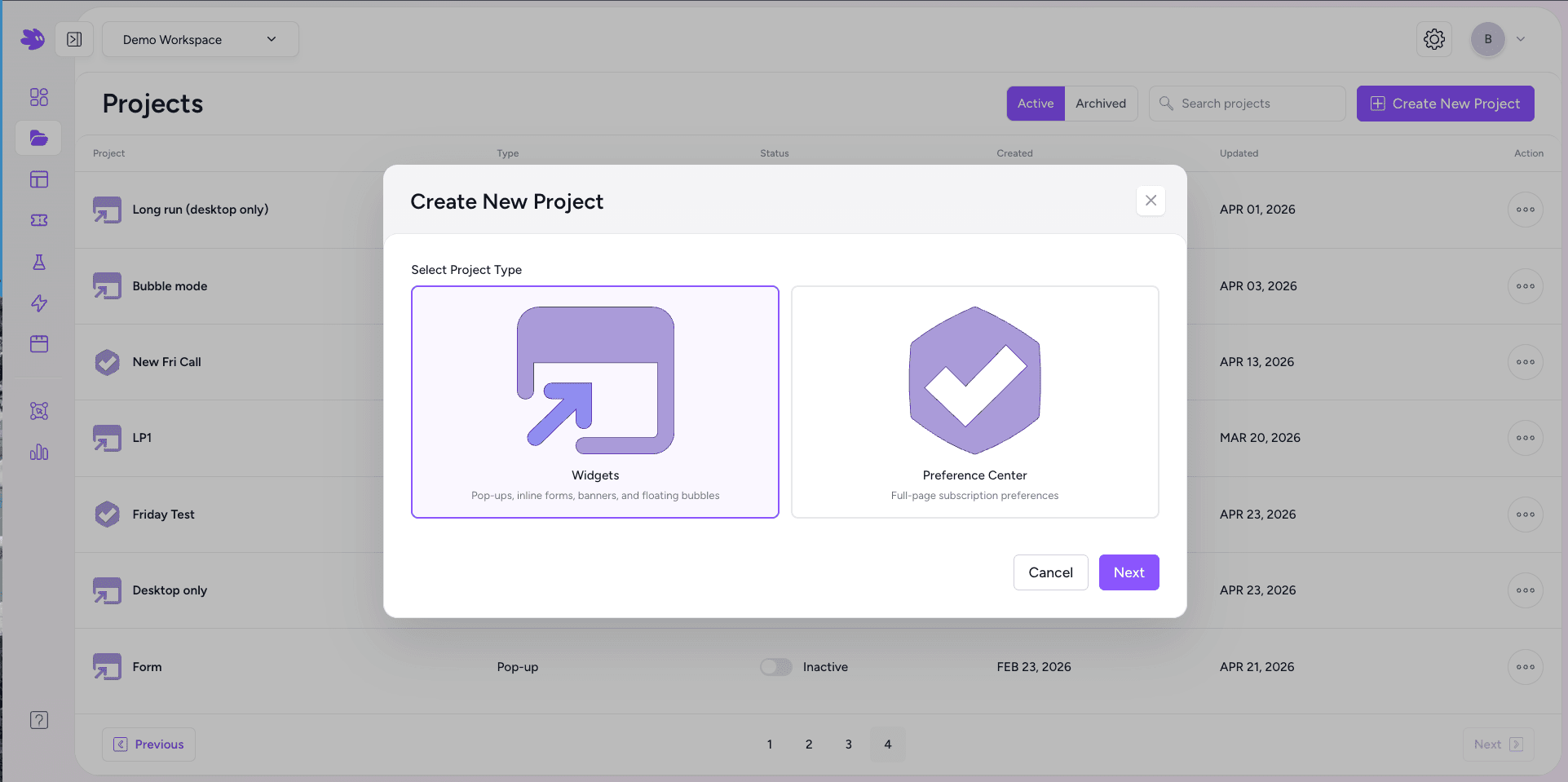
Template categories
| Category | Use case |
|---|---|
| Lead Generation | Email + phone capture with SMS consent disclosure. Pre-mapped to Iterable email and phoneNumber. |
| Feedback & Surveys | NPS, CSAT, and open-ended surveys. Rating element pre-wired to npsScore. |
| Promotions | Discount and coupon reveal flows. Integrates with Jule's Coupon & QR feature for code delivery. |
| Onboarding | Welcome flows and feature introduction sequences. Multi-page with branching logic. |
| Announcements | Product update banners and feature launch modals. Lightweight, one-page. |
| Email Collection | Newsletter sign-up with optional double opt-in confirmation step. |
| Exit Intent | Retention offers displayed when a visitor is about to leave. Pre-configured exit-intent trigger. |
| Preference Centers | Iterable channel preference pages. Reads current subscription state and writes changes back. |
Starting from scratch
Choose From Scratch to open the editor with an empty canvas. Add pages and elements manually. This gives you full control over layout, element order, and field names with no pre-existing structure to work around.
Your own templates
Any published project can be saved as a workspace template. In the editor, click the project name dropdown → Save as Template. The template appears in the picker under your workspace name and is available to all editors in your workspace.