Introduction
Jule is a visual widget builder with deep Iterable integration. Build pop-ups, inline forms, preference centers, and quizzes. Every submission syncs to Iterable in real time as soon as the user clicks Submit.
What is Jule?
Most widget tools treat Iterable as an afterthought — you export a CSV and import it manually, or write custom code to hit the Iterable API. Jule is different: every form submission is a native Iterable API call, fired in real time, as soon as the user clicks Submit.
You design the widget in Jule's visual editor, choose which Iterable fields to update, and click Publish. The widget embeds on your site via a single <script> tag and starts syncing from the first submission.
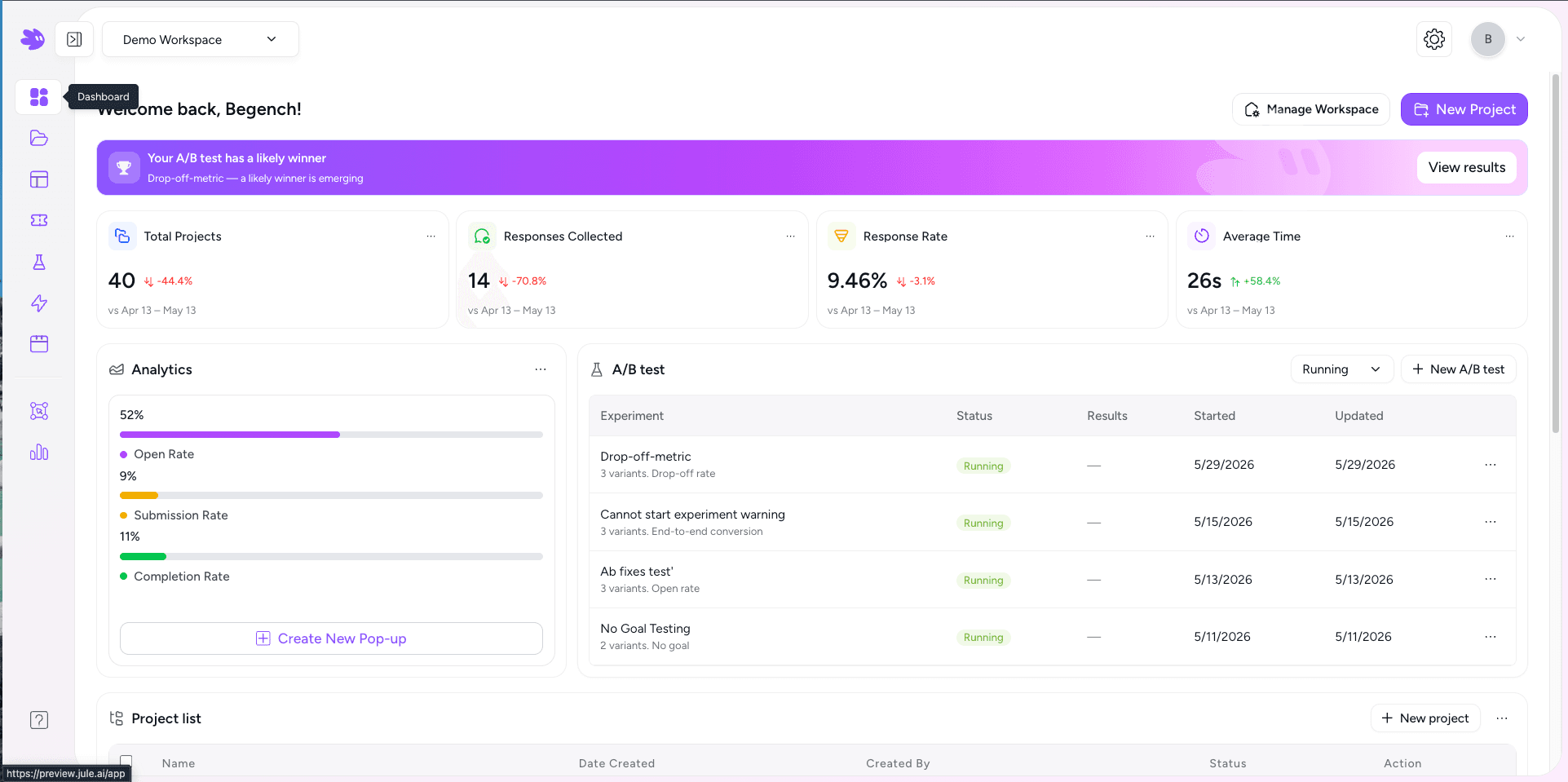
Core concepts
A widget. Each project has pages, styling, Iterable field mapping, and display triggers. One project renders as one embeddable widget.
Steps in a multi-step flow. A post-purchase survey can have three pages; a preference center has one. Each page has its own elements.
Form inputs (Email, Phone, Dropdown, Rating, Button, and more) and content blocks (Headline, Paragraph, Image) placed inside a page.
Rules controlling when the widget appears — scroll depth, URL match, exit intent, time delay, or a manual JS call.
Organisational containers that hold your team, projects, and one Iterable account. Most companies run one workspace per brand.
Per-project metrics: impressions, responses, response rate, completion rate, and average time — filterable by date range.
When to use Jule
- Collect email and SMS opt-ins and push them to Iterable lists in real time.
- Run post-purchase NPS surveys and fire an Iterable Journey when the score is low.
- Display a branded preference center linked directly to Iterable channel subscriptions.
- Show a timed exit-intent offer, then trigger a win-back campaign in Iterable on submission.
- Gate a coupon behind a form — Jule delivers the code and records the lead in Iterable.
Key terms
| Term | Meaning |
|---|---|
| Track Custom Event | An optional Iterable action that fires a custom event on each widget submission. The event name is configurable and defaults to form_submission. Use it as a Journey entry trigger. |
| Publishable key | The workspace-level key in your data-jule-key attribute. Read-only; safe to expose in HTML. |
| Project ID | Unique identifier for a project — the value of data-jule-project on your container div (Inline mode only). |
| Display mode | Inline (embedded in place), Popup (floating overlay), or Banner (full-width anchored bar). Set per project in the Style tab. |